Table of Contents
Description
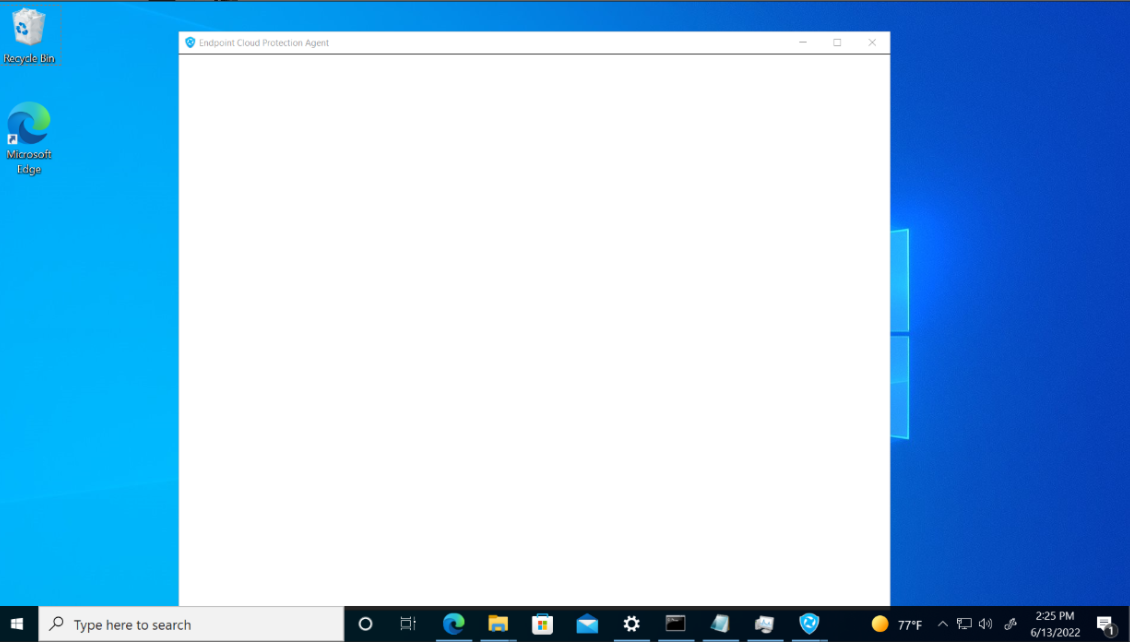
When minimizing and maximizing PC Migration Pro in a Remote Desktop session, the User Interface shows as blank.
How to identify the problem #
- Remote desktop to a client device
- Open the Agent restore user interface
- Minimize the Agent
- Maximize the Agent
The window displays blank as shown below:
What caused this problem? #
Remote Desktop sessions disables various graphics options, including low level rendered graphics when minimizing. Sometimes this triggers the GUI to blank out, although the menus and controls of the maximized Window is still operational, but blank.
How do I resolve this problem?
A change in the Windows registry needs to be made to alter the behaviour for the Remote Desktop session.
- Click on Start -> Run -> Regedit
- Browse to: HKEY_LOCAL_MACHINE\Software\Microsoft\Terminal Server Client
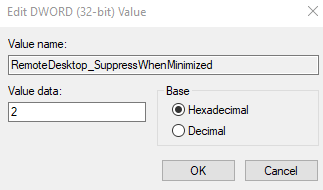
- On the the right hand side, right click and add a DWORD (32 bit) value.
- Give it the name RemoteDesktop_SuppressWhenMinimized paying close attention to the capitalization.
- Double click the new value, to give it a value data of 2.
- Restart the client computer for the registry setting to take affect

Check if the problem has been fixed #
If the problem has been resolved, the User Interface should correctly display.


